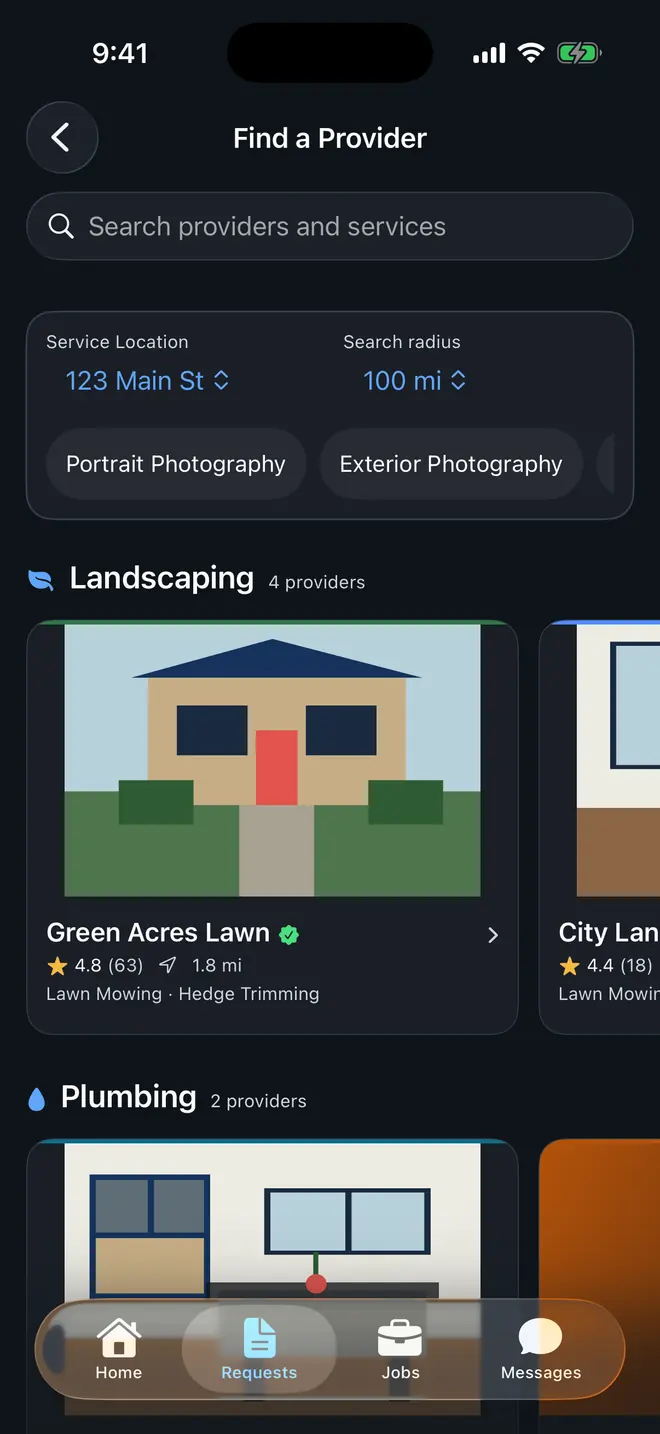
Customer side
Ask once and follow the same request.
Customers can keep quote decisions, messages, job status, eligible payment, and review history attached to the work instead of restarting the conversation in each tool.
FieldWorks route overview
Customers, business owners, and field workers use the same job path without sharing the same controls. Requests become quotes, approved work becomes a schedule, and verified payment stays attached to the job.
The complete route
Everyone follows the same job, with only the tools they need.
The customer selects a provider and services, adds timing and job details, and can include photos before submitting.
The business keeps questions with the request, builds itemized pricing, sets payment terms, and sends the quote for review.
The customer reviews the scope, asks for a change when needed, and accepts only when the quote is clear.
The approved work becomes a job with dates, assignments, and the context the crew needs in the field.
Workers update progress and mark the job complete. When online payment is due, the customer pays through Square and FieldWorks confirms it.
After completion, the customer can rate the delivered work and the business retains the connected history.
Product proof
These current product surfaces show the customer entry, business operations, and reusable QR handoff that make up the same service route.
Customer side
Customers can keep quote decisions, messages, job status, eligible payment, and review history attached to the work instead of restarting the conversation in each tool.
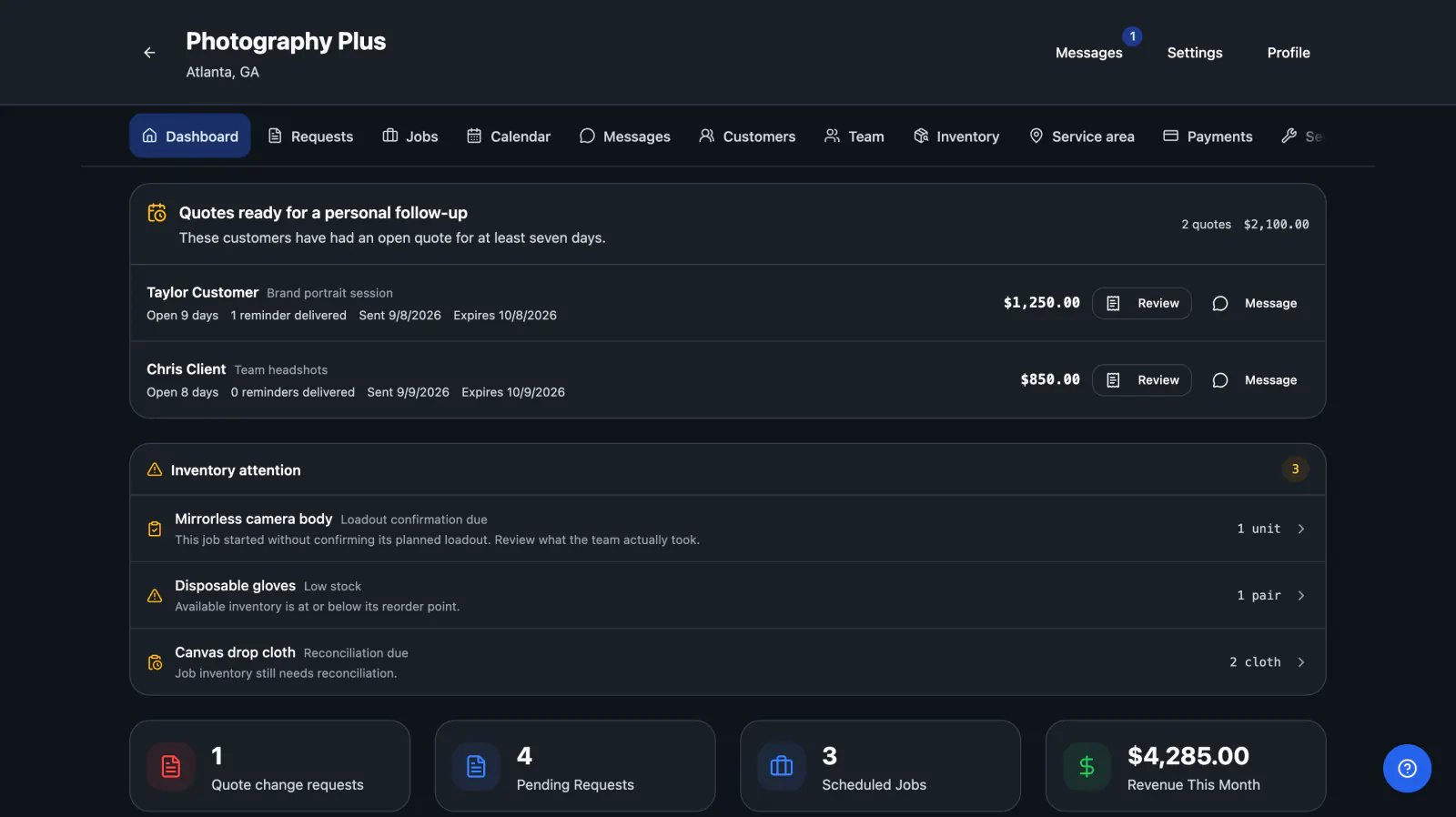
Business side
Owners and admins manage services, customers, quotes, schedules, assignments, inventory, and payment status from the operating side of the same workflow.
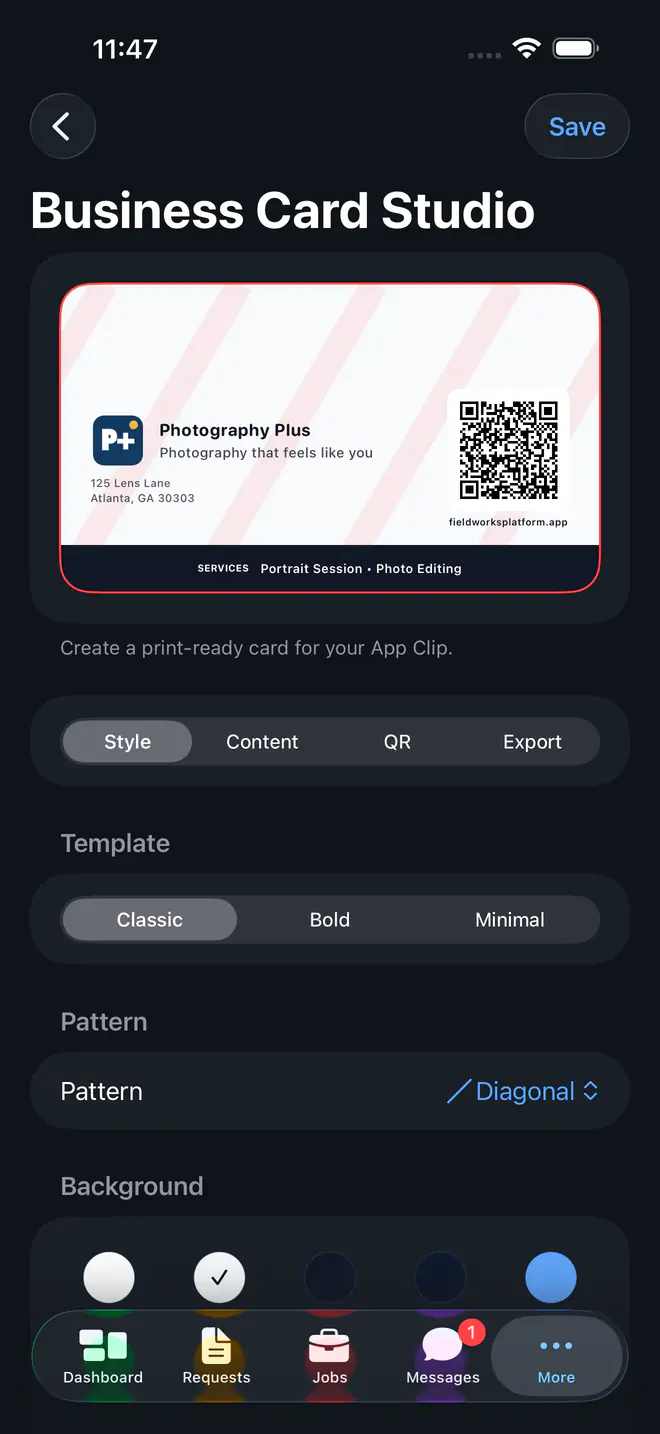
Provider-owned entry
A reusable business-card or yard-sign QR code can open the provider's FieldWorks request entry without purchasing a lead from FieldWorks.
Create the business account, add three real services, configure the service area, and use one genuine customer opportunity to see where FieldWorks helps or gets in the way.